
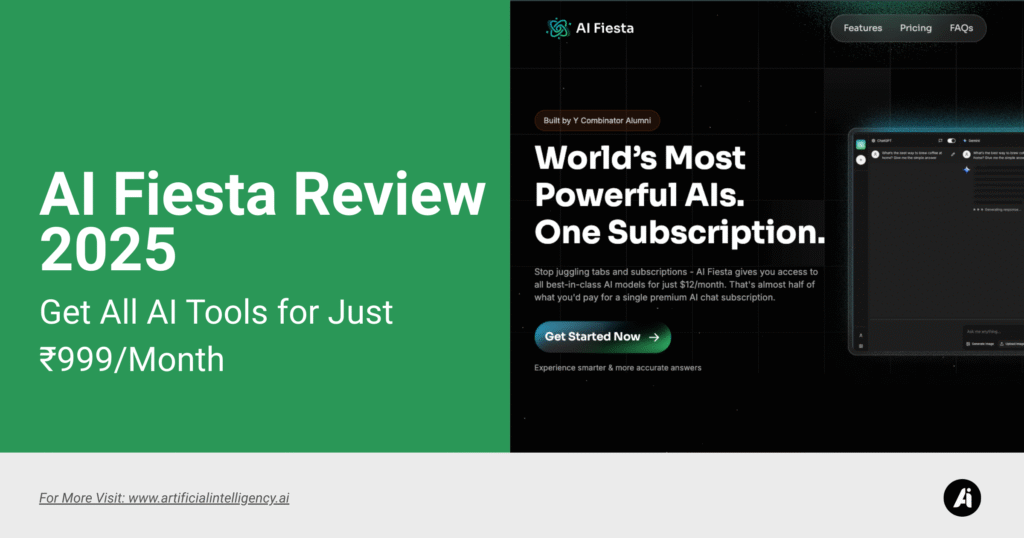
Managing AI tools today feels like carrying six different keys for six different doors. I’ve personally gone through that—keeping one tab open for ChatGPT, another for Claude, Gemini in a separate browser, and Perplexity somewhere in between.
Each tool felt magical in isolation, but the constant tab-switching, login juggling, and multiple bills made it mentally draining.
When I first tried AI Fiesta, the difference was immediate. Built by Dhruv Rathee, the platform gives you a single entry point into the world’s most advanced models.
Instead of deciding which tool to subscribe to, you step into one workspace where they all exist side by side.
Seeing ChatGPT’s structured clarity, Claude’s polished tone, Gemini’s long-context reasoning, Grok’s unpredictable creativity, Perplexity’s real-time research, and DeepSeek’s logic-driven analysis in the same window was eye-opening. It didn’t feel like competition—it felt like collaboration.
And honestly, what I got wasn’t just convenience, it was momentum. I no longer wasted time managing tools—I just focused on results.
| Category | What You Get | Why It Matters |
| Core Idea | One window for six premium AI models | I don’t juggle logins or tabs anymore—everything’s in one place. |
| Models Included | ChatGPT 5, Claude Sonnet 4, Gemini 2.5 Pro, Perplexity Sonar Pro, DeepSeek, Grok 4 | Each model brings a unique strength. I get all of them without extra subscriptions. |
| Signature Features | Side-by-side answers, Prompt Boost, Projects with system instructions, per-model On/Off, one-click Copy | I can compare answers instantly, keep a consistent tone, and experiment flexibly. |
| Creation Tools | Image generation, editing, transcription, and voice input | I create visuals, edit, and transcribe without leaving the platform. |
| Pricing | ₹999/month or ₹9,999/year, ~400,000 tokens/month | Costs me about the same as one premium subscription, but with six models. |
| Payments | UPI via TagMango (Razorpay & Stripe) | Checkout was smooth—no international card headaches. |
| Platforms | Web, Android app, iOS shortcut (native app coming) | I used it on my phone and laptop without issues. |
| Why It Exists | Dhruv’s frustration with cost, accuracy, and tab-switching | His pain points were mine too—and the product reflects that. |
What Features Does AI Fiesta Offer?
1. All AI tools in Single Subscriptions
I started with one subscription at $20/month. Then I added another. Then another. Before I realized it, my AI spend looked like a second rent. Worse, I lost track of which output came from which model.
AI Fiesta changed that. Now, instead of hunting through six tabs, I type once and see everything together. It’s like going from managing six remote controls to using one universal remote.
Using all six—ChatGPT 5, Gemini 2.5 Pro, Claude Sonnet 4, Perplexity Sonar Pro, DeepSeek, and Grok 4—in one window changed the way I worked.
All this for ₹999/month? Honestly, I used to spend nearly that on just ChatGPT Plus alone. The value gap is huge.

2. Side-by-Side Answers in a Single Window
One of my first tests was a research query I had been running separately on ChatGPT, Claude, and Perplexity.
Normally, I’d copy-paste the question into each and then compare outputs. With AI Fiesta, I just asked once.
Seeing six responses at once felt like hosting a roundtable of experts. Claude nailed the tone, Perplexity gave me citations, and ChatGPT structured it.
In seconds, I knew which one to lean on. It wasn’t theory—it directly saved me 30 minutes of hopping between tools.

3. Turning Overlap Into an Advantage
Initially, I thought: Why do I need six? But after using it, the overlaps helped. For example, when I was drafting a marketing piece, both ChatGPT and Claude gave strong outputs.
Claude had the natural flow I liked, but ChatGPT added the structure I needed. Combining them gave me the perfect draft.
That’s when it hit me—redundancy wasn’t a waste. It was reinforcement.
4. Projects & Instructions
When I created a project with instructions like “act as a minimalist copywriter with a friendly tone”, every model stuck to that voice.
For my workflow, this consistency was huge. I didn’t have to re-explain the tone or rules every time. Switching models mid-project still kept the context alive.
It felt like I had a shared playbook across all AI assistants.

How AI Fiesta Helps in Your Work
1. Interface & Performance of AI Fiesta
The interface is clean and doesn’t overwhelm me. I liked how it adapts—when I used it more for content writing, it prioritized writing tools.
When I tested creative visuals, it pushed image features forward.
Performance-wise, I stress-tested it with simultaneous queries, and it didn’t lag. The response speed stayed consistent, which gave me confidence to use it for time-sensitive work.

2. Beyond Automation
What stood out most for me was how context-aware it felt. For example, when I asked for content in a professional tone and then switched to casual, it adapted smoothly without me over-explaining.
Unlike rule-based tools, it doesn’t just output—it interprets. That made it feel less like software and more like collaborating with a team member.
3. Prompt Boost: My Favorite Feature
This one surprised me. I typed a sloppy query—half sentence, misspellings, no detail—and hit “Improve Prompt.” The rewrite it gave me was spot-on, detailed, and ready for production.
That saved me so much rework. I no longer need to refine every prompt manually. Even in live workflows—like jotting ideas during a call—it cleaned them up before feeding them to the models.
It felt like having a built-in prompt engineer quietly helping in the background.
4. Images & Audio: Integrated Workflows
I tested the image generation by creating social media visuals. Normally, I’d switch to MidJourney or another app, but here I stayed in one chat.
The outputs were varied—some stylized, some realistic—and I just picked what fit.
Uploading and editing images was smooth, too. And the audio transcription was a blessing.
I recorded a short voice note, uploaded it, and got a clean transcript instantly. For me, that meant fewer apps to juggle.
Accuracy & Architecture Behind AI Fiesta
I’ve had AI tools give me wrong answers before—sometimes embarrassingly wrong. With AI Fiesta, blind spots became obvious. If three models gave weak outputs and one nailed it, the difference was crystal clear.
It’s no longer me trusting blindly—it’s me cross-verifying in real time. That’s what gave me confidence to use it in research-heavy tasks.
What impressed me most was how fast and stable it felt. Even when I pushed multiple queries at once, it didn’t choke. I later learned it runs on a distributed cloud architecture designed for scale.
The adaptive learning was visible too. As I kept using it, prompts started feeling sharper. And the built-in encryption gave me peace of mind, especially since I sometimes run business-related queries through it.
Pricing of AI Fiesta

One of the first things I checked before signing up for AI Fiesta was the pricing. Honestly, I expected it to be expensive—after all, it combines six premium AI models in one platform.
To my surprise, the subscription is cheaper than paying for just one model individually.
- Monthly Plan → ₹999 per month (around $12)
- Annual Plan → ₹9,999 per year, which brings the effective monthly cost down even further
Every subscription comes with 400,000 tokens per month. In practice, that was more than enough for me—even on weeks when I used it heavily for research, writing, and testing prompts.
To put that in context, it’s hours of daily conversation across models without worrying about running out.
When I compared it with what I was already paying:
- ChatGPT Plus → $20/month
- Claude Pro → $20/month
- Gemini Advanced → $20/month
- Perplexity Pro → $20/month
- Grok or other creative tools → another subscription
Stacking them added up to nearly ₹80,000 ($950) per year. AI Fiesta cut that down by about 90%.
Instead of separate logins, six bills, and scattered tokens, I just had one subscription with everything inside.
Another detail I appreciated was payment flexibility. Checkout in India supports UPI via TagMango (Razorpay + Stripe), which means no international card issues. For global users, Stripe handles payments smoothly.
The whole process took me less than two minutes, with no billing drama.
For me, the real value wasn’t just the low price—it was ending subscription fatigue. One plan, one payment, six perspectives.
Pros and Cons of AI Fiesta (From My Usage)
Pros
- Six premium AIs in one place—no more tab chaos.
- Side-by-side answers saved me real time in research.
- Prompt Boost rescued sloppy inputs and made them usable.
- Projects kept the tone and instructions consistent.
- Built-in image and audio tools cut extra apps.
- Pricing is a steal compared to stacking subs.
- UPI payment made the signup frictionless.
Cons
- It’s still a new platform, so I noticed a couple of minor bugs.
- Image generation relies mainly on ChatGPT and Gemini for now.
- Heavy users might hit the 400k token limit.
- iOS lacks a native app yet (though the shortcut worked fine).
- Multi-model setup takes a few days to fully get used to.
Final Thoughts
AI Fiesta isn’t just another AI product—it genuinely reshaped my workflow. It saved me money, but more importantly, it saved me time, tabs, and mental energy.
For writers, developers, researchers, and even small teams, the ability to see six perspectives side by side is priceless. It feels like the future of AI—integrated, collaborative, and user-first.
I’ve used many AI tools, but this is the first time I felt I had a control center instead of a collection of scattered subscriptions.
If you’ve ever felt stuck choosing “the best AI,” AI Fiesta shows you that you don’t need to choose—you can have them all in one place.