
Category:
Published on:
Pricing Model :
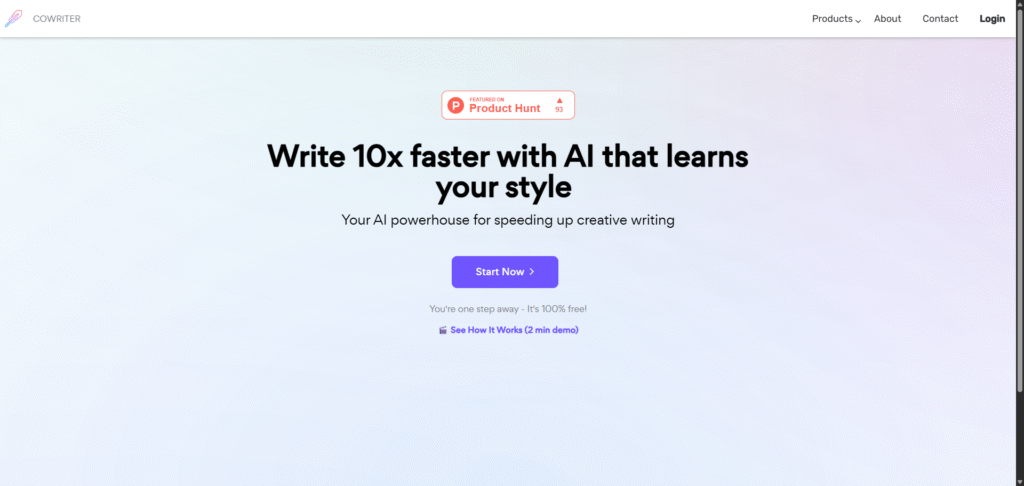
CoWriter (cowriter.org) is designed to streamline the writing process for authors, bloggers, students, and professional communicators. The platform combines generative language models with intelligent text-editing features to assist with ideation, drafting, re-writing, and finishing written pieces.
By integrating a text editor, content-generation prompts, style adaptation, and real-time writing assistance, CoWriter allows users to focus on what they want to say rather than how to say it. Whether you’re starting a blog post, crafting an essay, or polishing a professional document, CoWriter supports you every step of the way.
The tool emphasises creative writing assistance, not just copywriting. It can mirror your tone, adapt to your style, and suggest improvements without overriding your voice. As its developers put it: “an AI-powered text editor and copy generator designed to empower writers and revolutionize the creative writing process.”
Enter a topic, prompt, or paragraph, and CoWriter generates extended content, ideas, or full drafts aligned with your input, helping you overcome writer’s block and speed up creation.
The tool can learn from your writing style or preferences and generate suggestions or paragraphs that align with your tone—ensuring consistency and saving editing time.
Rewrite existing text, refine sentence structure, improve clarity, or transform tone without starting from scratch. Edits are integrated into the same editor for seamless workflow.
Features such as outline builders, idea generators, and suggestion prompts help structure your content and spark creativity when you’re stuck.
Once content is ready, CoWriter allows export in various formats or integration with your writing environment, making it easy to move from draft to publish.
Whether it’s creative narratives, blog posts, technical writing or academic essays, the platform supports different writing modes and adjusts suggestions accordingly.
CoWriter is used for accelerating writing tasks—such as drafting, rewriting, idea generation and refining content—while helping maintain the writer’s original voice.
Yes. The platform supports style adaptation and voice consistency by learning from your input and previous writing, enabling suggestions that better match your tone.
Yes. While it supports creative writing, CoWriter also features modes for more formal writing like essays, reports, and technical documents—though users should still review for domain-specific accuracy.
No. The tool is designed for writers at all levels—from novices to professionals. Its intuitive interface and prompts help writers overcome blocks and structure content effectively.
Yes. CoWriter allows export of your work in multiple formats and integrates smoothly into your writing workflow, making it easy to move from draft editor to publishing environment.
There are no reviews yet. Be the first one to write one.
ArtificialIntelligency.ai is an AI tools directory that helps users discover, compare, and review the best AI softwares for every need.