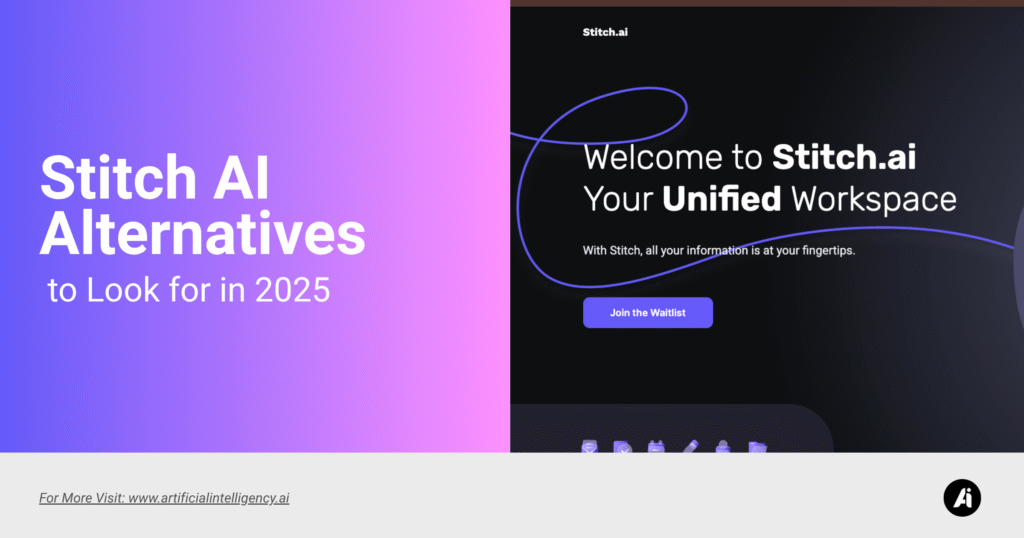
Stitch AI by Google has quickly turned heads among designers, developers, and marketers looking for faster ways to bring creative ideas to life. It blends automation with an intuitive design system that helps users generate layouts, visuals, and assets in minutes. It’s powerful, polished, and deeply tied to Google’s ecosystem , which makes it appealing to teams who already live in Google Workspace or use Gemini AI for creative support.
But no AI design tool fits everyone. Some users find Stitch’s ecosystem restrictive or want more independence when experimenting with design concepts. Others look for cheaper, more flexible, or open-ended tools that let them play with visuals beyond structured templates. That’s where alternatives come in.
In this guide, you’ll find the most promising Stitch AI alternatives for 2025 , each with its own balance of creativity, automation, and usability. Whether you’re a designer chasing creative freedom or a startup founder looking for simpler AI-assisted workflows, these tools give you fresh directions to explore.
Jasper Art
Overview
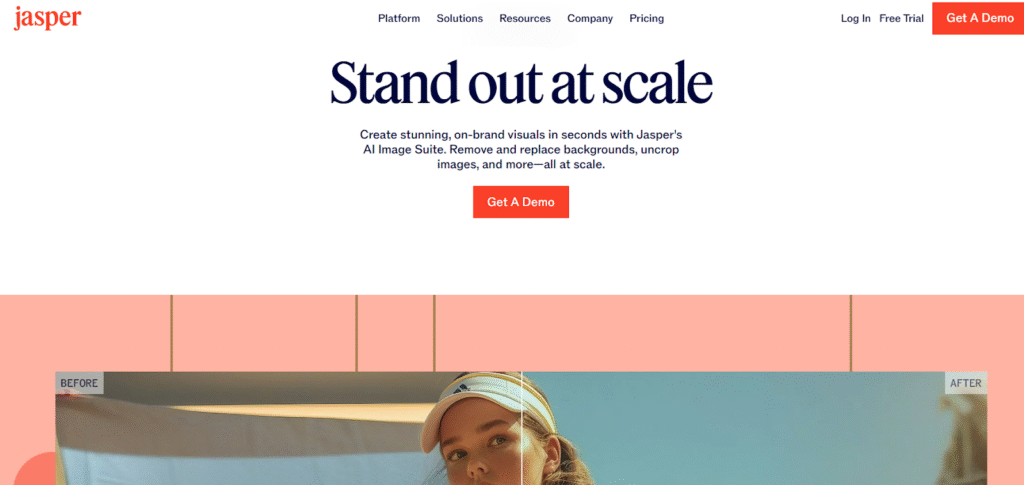
Jasper has long been known as one of the most reliable AI writing tools, but its design arm , Jasper Art , has grown into something much bigger. It’s designed for creators who don’t want to switch between multiple tools to create branded visuals, blog images, or ad mockups. The platform lets you generate unique images directly from prompts, offering a mix of creativity and speed that suits social media managers, marketers, and content designers alike.
Unlike Stitch, which leans toward structured layouts, Jasper Art focuses on flexible image creation. You can describe a mood, theme, or concept, and the AI produces visuals in a range of styles , from realistic photography to stylized illustrations. It’s less about full-page composition and more about creative expression that complements copywriting or brand storytelling.
For anyone already using Jasper for content creation, this makes for a seamless upgrade. You can plan campaigns, generate headlines, and then instantly create matching visuals without jumping tools. It’s perfect for teams who care about speed, consistency, and cross-channel design harmony.
Key Features
- Text-to-image generation based on creative prompts
- Seamless link between content writing and visual creation
- Customizable styles and aspect ratios
- Simple sign-up and free trial options
Use Case
Ideal for marketers and content teams who want to keep everything , text and visuals , within a single creative platform.
Pros and Cons
Pros: Smooth workflow, consistent style, quick results
Cons: Limited layout control, fewer customization options
Pricing
Pro plans start at $59 per month. Jasper’s higher tiers include access to Jasper Art, with pricing adjusted for image credits or enterprise needs.
Figma with AI Plugins
Overview
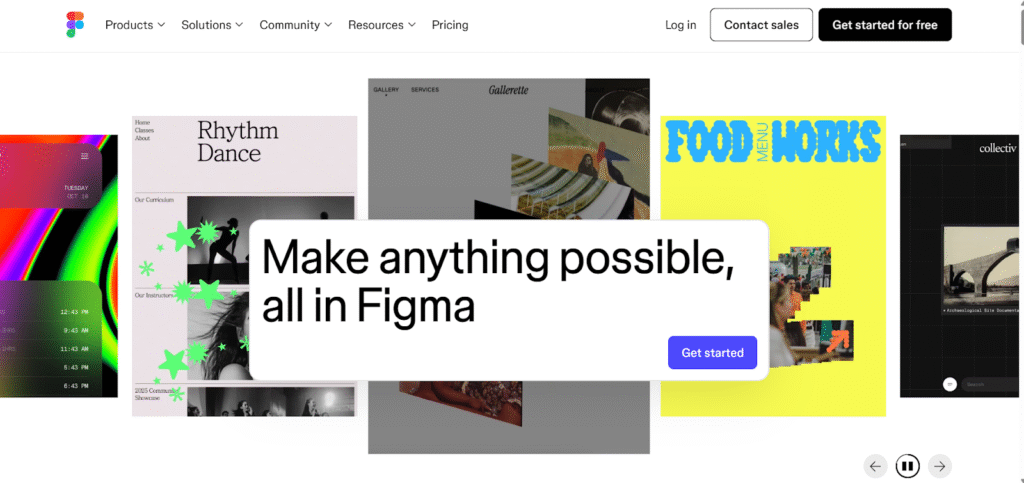
Figma has been the design world’s creative backbone for years, and it remains unmatched in flexibility. What makes it a viable alternative to Stitch AI is the growing wave of AI plugins that now extend Figma’s capabilities. From automatic content population to AI-based layout generation and design suggestions, these plugins turn Figma into a semi-automated powerhouse without losing its creative depth.
Unlike Stitch, Figma gives users total freedom over every pixel. You can sketch ideas, wireframe prototypes, and experiment with variations without being boxed into preset templates. The AI layer helps automate repetitive design actions , such as resizing, color balancing, and smart text placement , so you can focus on the creative side. It’s a system that scales beautifully for individuals and teams who want precision and personality in their projects.
Another advantage of Figma’s ecosystem is its collaborative strength. Real-time editing, version control, and cloud syncing make it effortless for large teams to work together. Adding AI doesn’t replace that human touch; it enhances it by removing busywork. This balance of human creativity and smart automation makes Figma with AI plugins a leading Stitch alternative for serious designers in 2025.
Key Features
- Expanding library of AI plugins for smart design actions
- Real-time team collaboration
- Full creative freedom over layouts and prototypes
- Compatible with multiple workflow tools
Use Case
Perfect for professional UI/UX designers who want automation without losing creative control.
Pros and Cons
Pros: Total flexibility, collaboration-friendly, rich ecosystem
Cons: Plugin setup takes time, quality varies
Pricing
Figma offers both free and paid plans, while individual AI plugins may have separate pricing models. Professional starts with $3 only.
Canva Pro / Canva for Teams
Overview
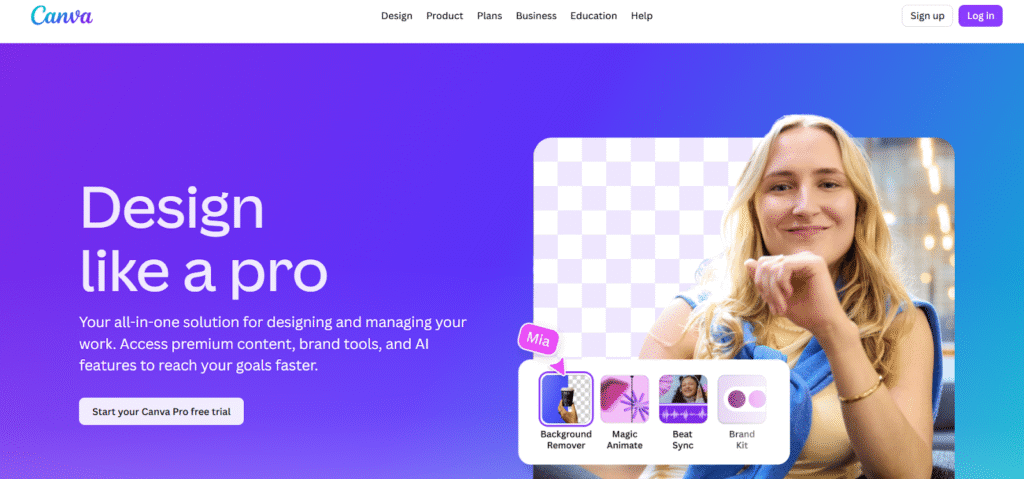
Canva has evolved far beyond being just a drag-and-drop design tool. With its Pro and Teams offerings, it has built in a wide range of generative AI tools: image generation, visual effects, brand kits, background removal, magic resize, stock assets, etc. Users who want to produce marketing assets, social media visuals, presentation decks, and mockups often find Canva hits a strong sweet spot between capability and ease. It isn’t as layout-automated as Stitch in terms of whole-site or page layout orchestration with advanced auto-responsive behavior, but for many small businesses, content creators, and non-designers, Canva offers everything they need without the learning curve of Figma or advanced tools.
One of its strengths is the asset library (stock photos, templates, videos) which scales into the tens or hundreds of millions, plus intuitive UI, collaborative features (especially in Teams), and decent performance even for non-experts.
Because the tools are modular, you can lean more heavily on generative AI features when needed. On the flip side, in very custom or high-precision UI/UX design scenarios, or when deeply customizing responsive design, Canva may feel limiting.
Pricing
- Pro Plan: USD $12.99/month if paid monthly; USD $119.99/year when billed annually (≈ USD $9.99/month equivalent) for one user.
- Teams plan: starts at about USD $14.99 per user/month for small team setups.
Use Case
Best suited for freelancers, social media managers, small teams who need fast visuals with decent polish and access to AI-assisted assets. If you need fast turn-around, consistency (brand colors, logos, etc.), team collaboration, and occasional generative image/video tasks, but don’t need pixel-perfect control or extremely custom responsive UI designs, Canva Pro or Teams often gives you the best return.
Pros & Cons
Pros:
- Huge library of templates, stock assets and integration of generative tools.
- Very beginner-friendly, minimal learning curve.
- Collaboration features (Teams) are solid.
- Affordable annual pricing gives good value.
Cons:
- Less control over detailed layouts, responsive behavior, code export, etc.
- Generative AI features are good but not as fine-tuned as specialist tools.
- Teams pricing scales with users; if you need high customization or large teams, cost can rise.
Midjourney
Overview
Midjourney is less about page layouts and structured designs, more about pushing the boundaries of image generation. It excels when you want visually striking, artistic, unusual, or high-quality images from text prompts, fantasy art, surreal styles, creative illustrations, concept art, mood boards, etc. If you like what Stitch does in its visuals, Midjourney often surpasses in the depth of style, creativity, detail, and “artistically inspired” outputs. The key trade-off is that it’s less built for UI, prototyping, standard layout tasks, or assets where consistency, brand-safety, or structured responsiveness matter more.
For designers, creative directors, or marketers who want standout visual assets, Midjourney offers tools to experiment. Also useful if you’re doing concept art early in design phases or want image inspiration or backgrounds, graphics for campaigns.
Pricing
Midjourney has four main subscription tiers:
- Basic: USD $10/month (or about USD $96/year) for a small amount of fast GPU-time.
- Standard: USD $30/month (USD $288/year) for more fast GPU time plus unlimited “Relax Mode” (slower generation).
- Pro: USD $60/month (USD $576/year) for yet more fast time, access to Stealth Mode (private image generation) etc.
- Mega: USD $120/month (USD $1,152/year) for highest limits.
Use Case
Best for creatives who need high-quality visuals, mood boards, concept art, artistic marketing materials, backgrounds, or stylized assets. Less useful if you need full layouts, responsive design, or structured templates that stitch together pieces predictably.
Pros & Cons
Pros:
- Exceptional quality of generated images, wide style range.
- Strong prompt control, immersive visual output.
- Stealth/private-mode features for sensitive or proprietary content.
Cons:
- Costs add up for heavy usage.
- Not geared for layout/composition for websites/apps.
- Slower for certain types of outputs in “Relax Mode” if you pick cheaper tiers.
Stable Diffusion
Overview
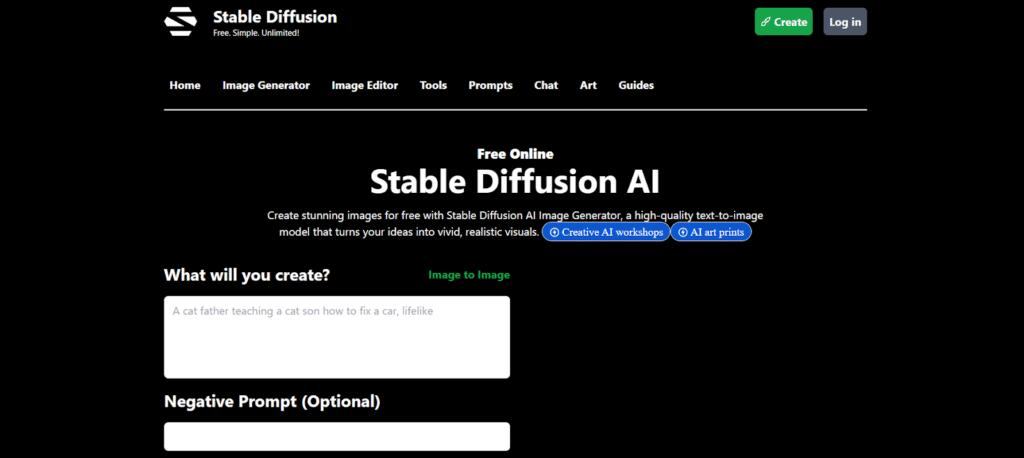
Stable Diffusion (in its hosted/online versions) offers a mix of control, style flexibility, and cost-effectiveness for image generation. It is open-source underlyingly, which means many versions, forks, and implementations exist. Hosted services based on Stable Diffusion tend to let you tweak prompts, use image-to-image transforms, remix styles, apply custom settings like steps, sampling methods, etc. That gives you more fine-grained control side by side with lower cost per image compared to premium tools.
For users who want to experiment with styles, generate a lot of images, or perform transformations (like turning sketches into polished visuals), Stable Diffusion options are very appealing. Also good if you want to host your own version, or use an API, or integrate into pipelines. Downside: quality might vary, UI might be less polished, turnaround slower, and user experience might require more tweaking.
Pricing
Some hosted Stable Diffusion generators offer:
- Free tier: USD 0/month for basic access and low-volume usage.
- Pro plans: approx USD 10/month for more image generation, faster speeds and more features.
- Higher-use plans (“Max” etc.): about USD 20/month for significantly more generation capacity.
Use Case
Best for artists, creators, and developers who want control and volume. Good if you want to test many iterations, do experimental visuals, integrate creative transformations, or if you want to avoid proprietary lock-ins. Also useful for hobbyists who want more control but less polish than fully commercial tools.
Pros & Cons
Pros:
- Lower cost per image, especially at volume.
- Flexibility and control in styles, settings, remixing.
- Many options (self-hosted or third-party) and more customization.
Cons:
- Less polished UX in some hosted versions.
- Infrastructure or performance might lag premium services.
- Quality/output consistency may vary; sometimes requires manual tweaking.
Runway
Overview
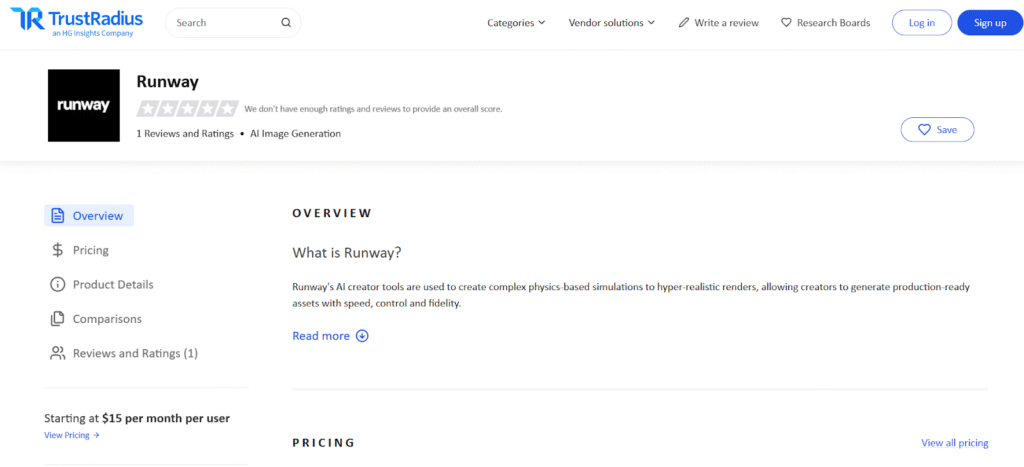
Runway aims to bridge the gap between generative AI and editing pipeline / video work. If you want not just static image generation but video, motion, editing, compositing, model-based effects, etc., Runway provides tools to generate, edit, export video, do text-to-video/image-to-video, etc. It’s more advanced in motion and media workflows than many static-image-oriented tools. Designers, video editors, content creators with motion needs will appreciate Runway. For tasks like content series, animated posts, video intros, model training/custom generators, it can save lots of time.
Compared to Stitch, which is more layout/design/asset generating, Runway offers broader media types, timelines, video export quality etc. The complexity is higher though: setting up videos, using motion effects, credit usage etc.
Pricing
Runway has several plans as of 2025, including:
- Basic (Free forever) plan with limited credits, limited project size & features.
- Standard: USD $15 per user/month when billed monthly; USD $12 per user/month when billed annually.
- Pro: USD $35 per user/month for more credits, higher export/resolution options etc.
- Unlimited or higher-tiers for large teams or power users often run USD $95/month or more.
Use Case
Ideal for creators who need image + video generation, editing, motion graphics, content series with mixed media. Good for social media video content, small video ads, short motion visuals, or any scenario where visuals + motion are required. Also for teams that need to collaborate on video-first content.
Pros & Cons
Pros:
- Strong support for video & motion, not just static images.
- Decent export quality, features like watermark removal, higher resolution.
- Flexible credit/usage model helps scale.
Cons:
- Credits can run out; video generation is resource-intensive.
- More complex than static image tools: steeper learning, performance needs.
- Higher-tier plans get expensive.
Adobe Firefly
Overview
Adobe Firefly is aimed at creatives who are in the Adobe ecosystem or want brand-level polish, media production, or frequent use of generative credentials with tight quality and safety assurances. Because Adobe has established tools like Photoshop, Illustrator, Premiere, etc., Firefly is often the logical “next step” for designers who already trust Adobe’s standards and tools. Firefly offers image, audio, video generation (though video features are newer), mood boards, generative fill, vector capabilities, etc. It is particularly useful where branding, consistency, media-rich content, and professional export formats matter.
Compared to Stitch (which is more tailored toward design layout plus visuals), Firefly gives more in terms of integrations, export flexibility, asset safety, and alignment with high-end production workflows. If you’re producing content for ads, print, video, multimedia, or working in agencies, Firefly can both speed up creative load and maintain quality.
Pricing
- Firefly Standard: USD $9.99/month, includes 2,000 monthly generative credits, standard image features, mood boards etc.
- Firefly Pro: USD $19.99/month, includes 4,000 credits, premium features (video/audio generation, non-Adobe models) etc.
- Firefly Premium: USD $199.99/month, with 50,000 credits and scale for video, audio, high-volume creative work.
Use Case
Best for media agencies, brand-centric workflows, professional creators who need to generate polished visuals and video, who rely on Adobe workflows and want consistent integration with tools like Photoshop, Express, etc. Also valuable when export quality, safety or licensing, and consistent brand asset management are crucial.
Pros & Cons
Pros:
- Strong brand/licensing credibility, reliable output quality.
- Good integrations with existing Adobe tools.
- Generous credit tiers in the higher plans.
Cons:
- Premium tier is costly for regular users.
- For simple visuals or small volume, cheaper tools might suffice.
- Generative video/audio features still maturing; maybe less flexible than specialized video-AI tools in certain edge cases.
Final Thoughts
Choosing the right Stitch AI alternative in 2025 isn’t just about finding a replacement — it’s about finding a tool that actually enhances how you work.
With so many platforms now offering smarter automation, richer insights, and seamless integrations, there’s never been a better time to explore your options.
The best alternative will depend on your goals, team size, and workflow — but the right choice will go beyond efficiency. It’ll help you innovate, scale, and stay ahead of the curve as AI-powered tools continue to evolve.